How to Connect PS4 Controller to PS5?

Contents
If you still have a PS4 DualShock 4 controller, you can connect it to a PS5 in just a few steps. It is useful for playing compatible PS4 games on the newer console, although it cannot be used to play native PS5 games.
Here is the simplest way to connect a PS4 controller to PS5.
How Do You Connect a PS4 Controller to PS5?
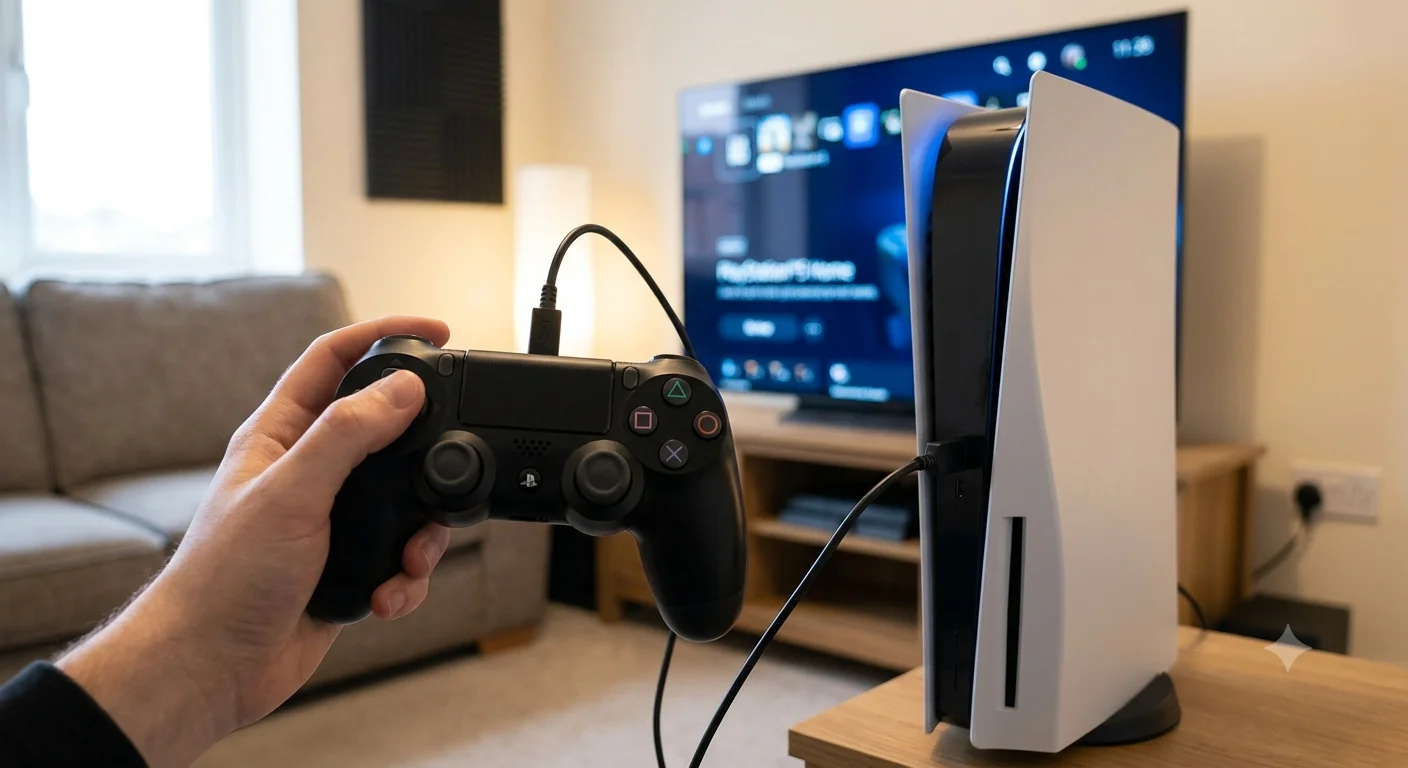
The easiest method is using a USB cable.
- Turn on the PS5.
- Connect the DualShock 4 to the PS5 using a compatible USB cable.
- Press the PS button in the centre of the controller.
- Wait for the controller light to turn on.
- Once paired, disconnect the cable and use the controller wirelessly.
Sony confirms that once the DualShock 4 has enough battery power and is paired with the console, the USB cable can be removed and the controller can be used wirelessly.
Can You Connect a PS4 Controller to PS5 Wirelessly?
Yes. Once the controller has been paired with the PS5, it can normally be used wirelessly.
If the controller was previously connected to another console, connecting it to the PS5 with a USB cable and pressing the PS button is usually the quickest way to pair it again.
A DualShock 4 can only be paired with one console at a time.
Can You Connect More Than One PS4 Controller to PS5?
Yes. Sony says up to four controllers can be connected to a console at the same time. Each additional DualShock 4 needs to be paired before it can be used.
This can be useful for local multiplayer when playing compatible PS4 games on the PS5.
Why Is My PS4 Controller Not Connecting to PS5?
If your DualShock 4 is not connecting, try these simple checks:
- Make sure the controller has enough charge.
- Try another USB data cable.
- Connect the controller directly to the PS5.
- Press the PS button after connecting the cable.
- Restart the PS5 and try again.
- Reset the DualShock 4 using the small reset button on the back.
Sony also recommends resetting the controller if normal pairing does not work.
Can You Play PS5 Games With a PS4 Controller?
No. This is the main limitation.
The DualShock 4 can be used with supported PS4 games running on PS5, but native PS5 games require a DualSense controller or another compatible PS5 controller.
If you want a more detailed explanation of the restrictions, see our guide on using a PS4 controller on PS5.
Does a PS4 Controller Work With PS4 Games on PS5?
Yes. If you are playing the PS4 version of a compatible game on your PS5, the DualShock 4 can be used.
This is particularly useful for players who have upgraded their console but still have a large collection of PS4 games.
If you are unsure about backwards compatibility, you can also read this guide to playing PS4 games on PS5.
Can You Use a PS4 Controller on PS5 Without a Cable?
Yes, but the controller needs to be paired first.
For the easiest setup, connect it with a USB cable, press the PS button and wait for pairing to finish. You can then unplug the cable and continue using the DualShock 4 wirelessly.
Final Thoughts
Learning how to connect PS4 controller to PS5 is straightforward. Turn on the console, connect the DualShock 4 with a USB cable and press the PS button. Once paired, the controller can be disconnected and used wirelessly.
Just remember that the DualShock 4 is designed mainly for PS4 games running on PS5. If you launch a native PS5 game, you will normally need a DualSense controller instead.